Description
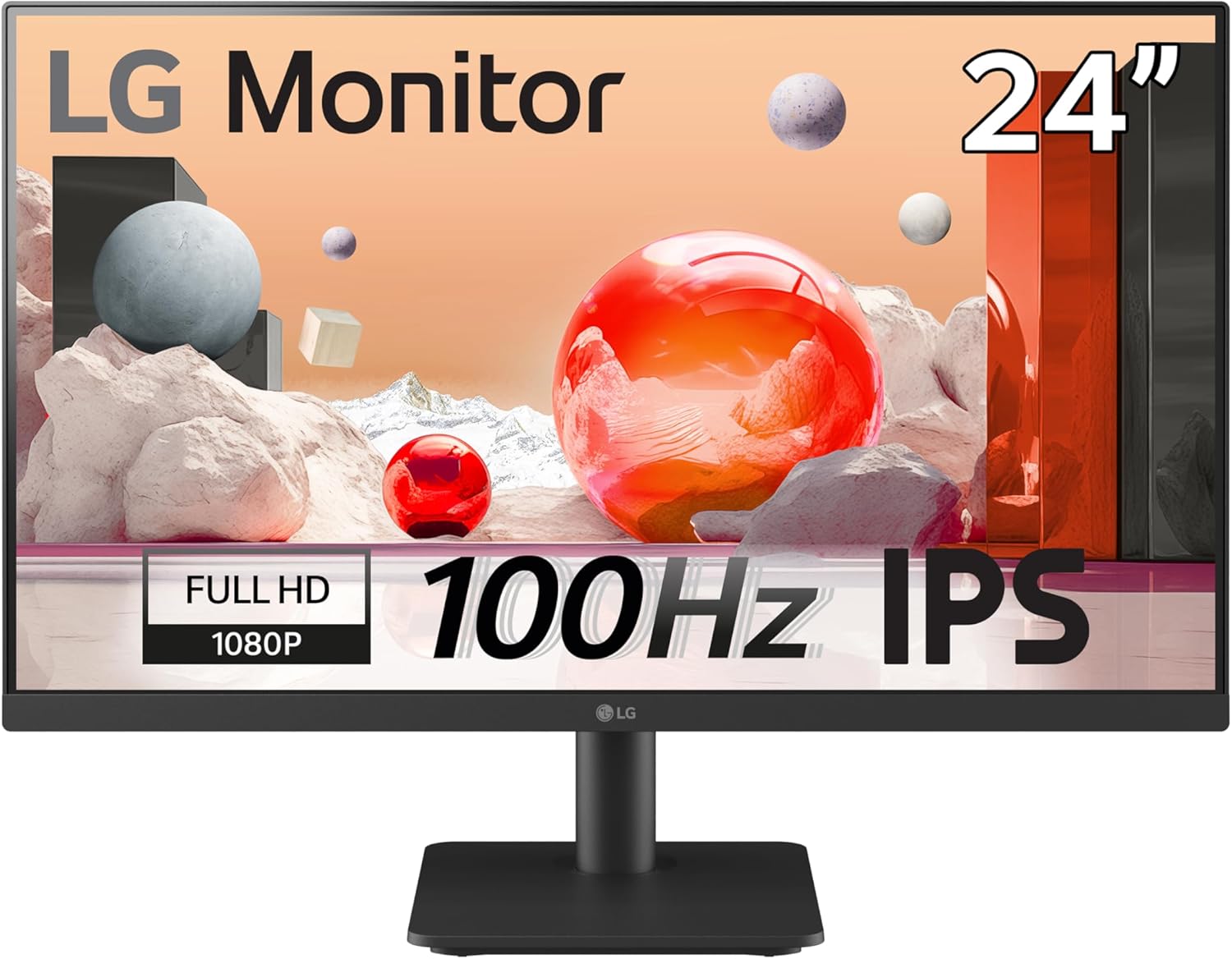
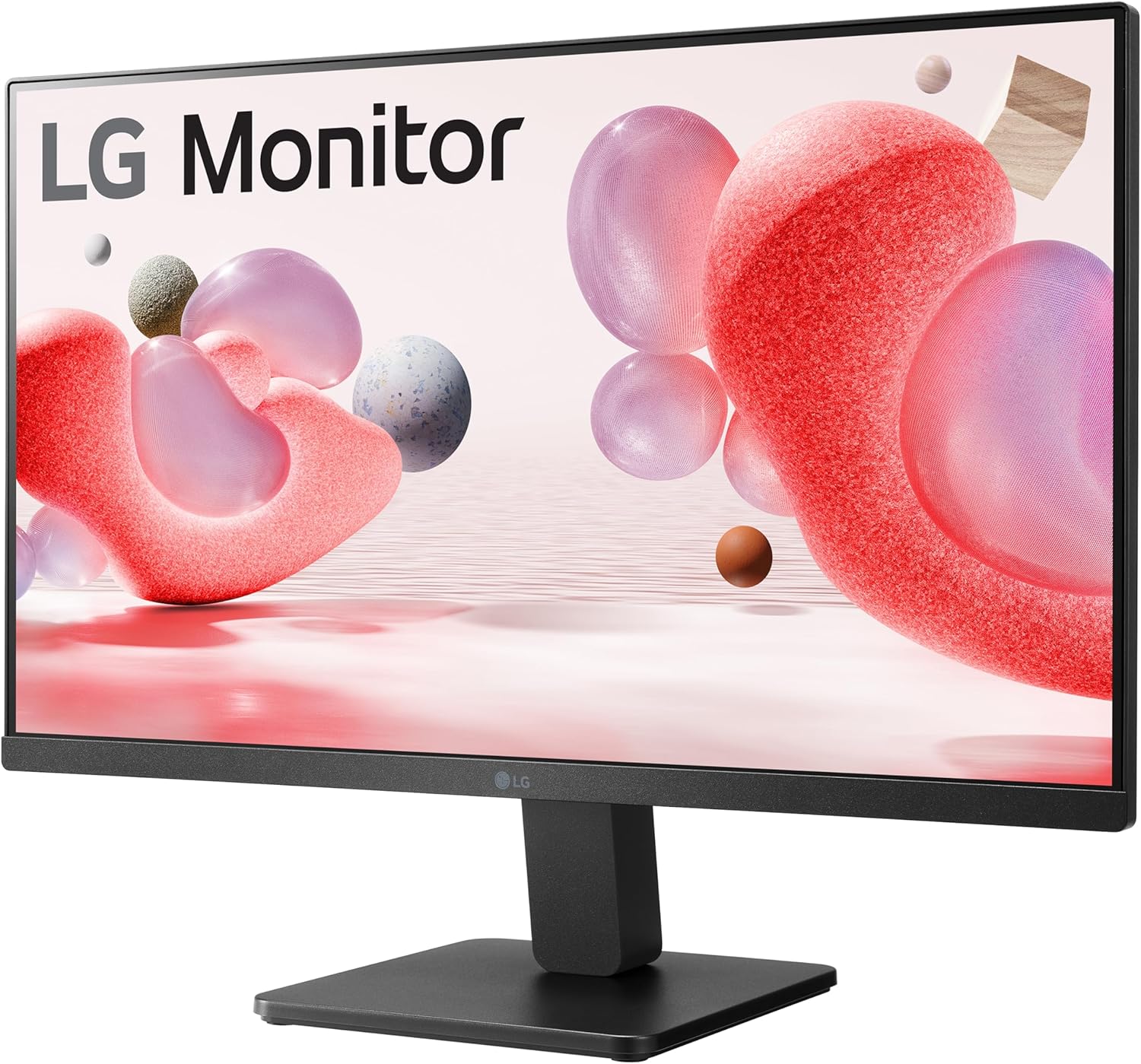
LG Electronics Monitor 24MS500, 24 Inch, 1080p, 100Hz, 5ms, IPS Display, Smart Energy Saving, HDMI
| Brand | LG Electronics |
| Screen size | 24 Inches |
| Resolution | FHD 1080p |
| Aspect ratio | 16:9 |
| Screen surface description | Matte |
| Image contrast ratio | 1000:1 |
| Response time | 5 Milliseconds |
| Refresh rate | 100 Hz |
| Display resolution maximum | 1920 x 1080 |
| Special feature | FreeSync, Flicker Safe, Reader Mode, Color Weakness, Super Resolution+, Black Stabilizer, Dynamic Action Sync, Auto Input Switch, Smart Energy Saving |
- A fast 100Hz refresh rate provides a smooth frame loading in various programs and realistic gameplay
- Reader Mode adjusts colour temperature and luminance, supporting a suitable viewing experience for reading on a monitor. Flicker Safe reduces invisible flickering on the screen.
- You can enjoy smooth, clear movement in high resolution and fast-paced games with AMD FreeSync and Black Stabiliser.
- Easily control display settings with a few clicks using OnScreen Control software.
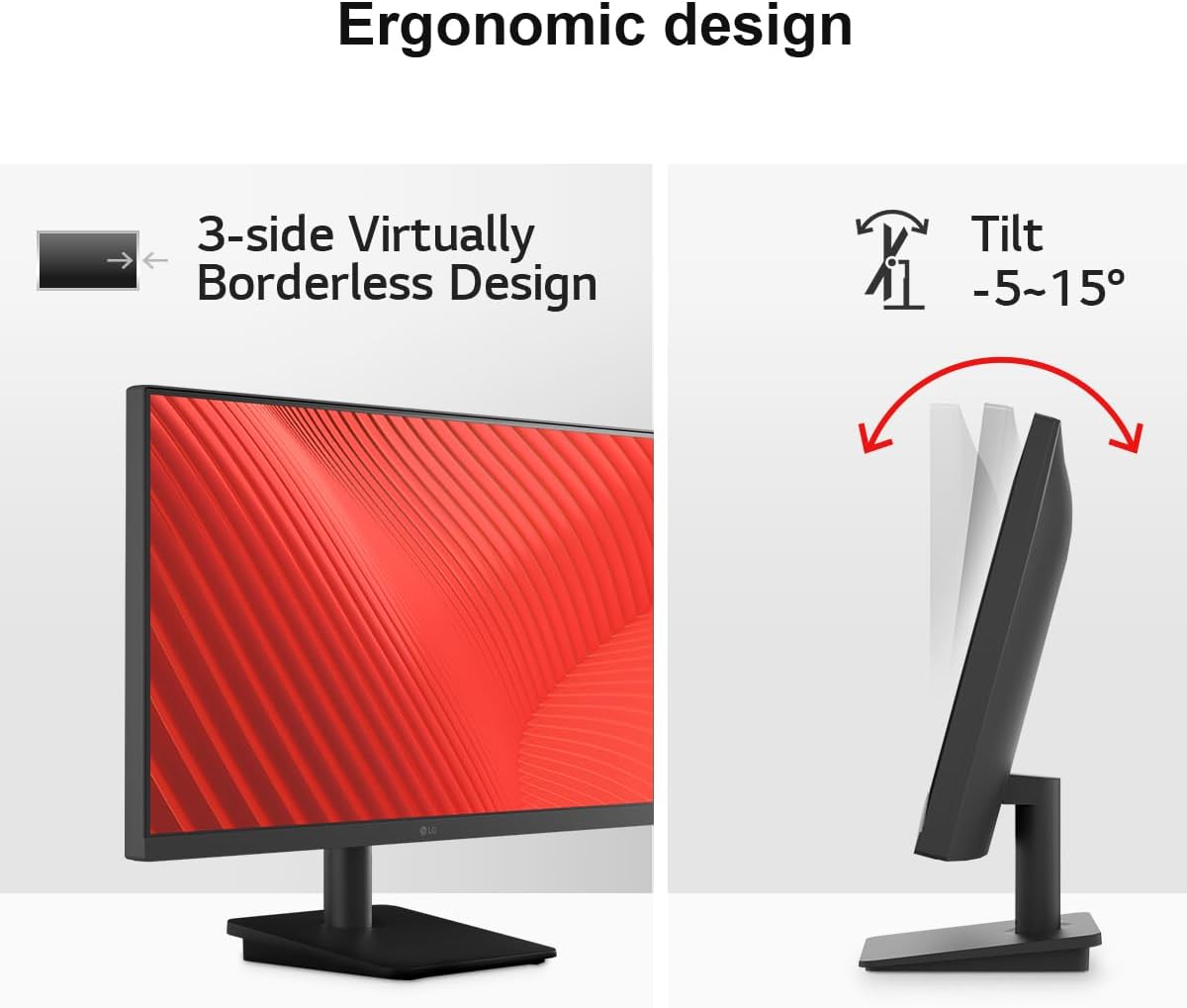
- This display has a slim bezel on three sides, allowing you to create a suitable work environment through convenient tilt adjustment.


Fluid visuals. Seamless workflow.
A fast 100Hz provides a smooth frame loading in various programs. Also, you can enjoy realistic gameplay with less screen stuttering and motion blur.

Reader Mode & Flicker Safe
Reader Mode adjusts colour temperature and luminance, supporting a suitable viewing experience for reading on a monitor.
Flicker Safe reduces invisible flickering on the screen, and it helps to provide a comfortable working environment for a long time.

AMD FreeSync / Black Stabiliser
With AMD FreeSync technology, gamers can enjoy smooth, clear movement in high resolution and fast-paced games. It virtually eliminates screen tearing and stuttering, providing an immersive gaming experience.
Black Stabiliser helps gamers to detect snipers lurking in the dark corners and swiftly navigate flash explosions.

Streamlined control
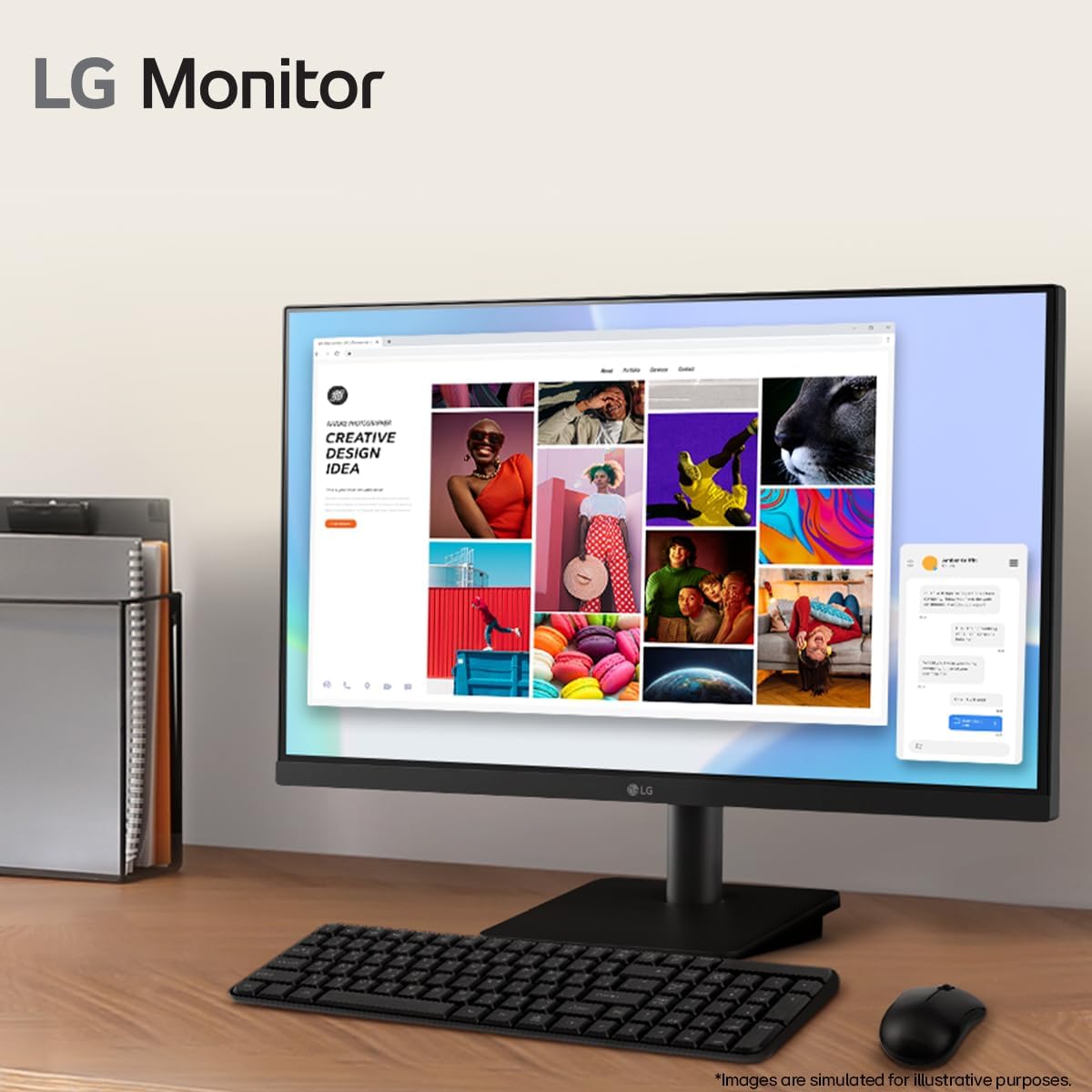
Easily control display settings with a few clicks using OnScreen Control software. You can also readily divide the whole display area with Screen Split.